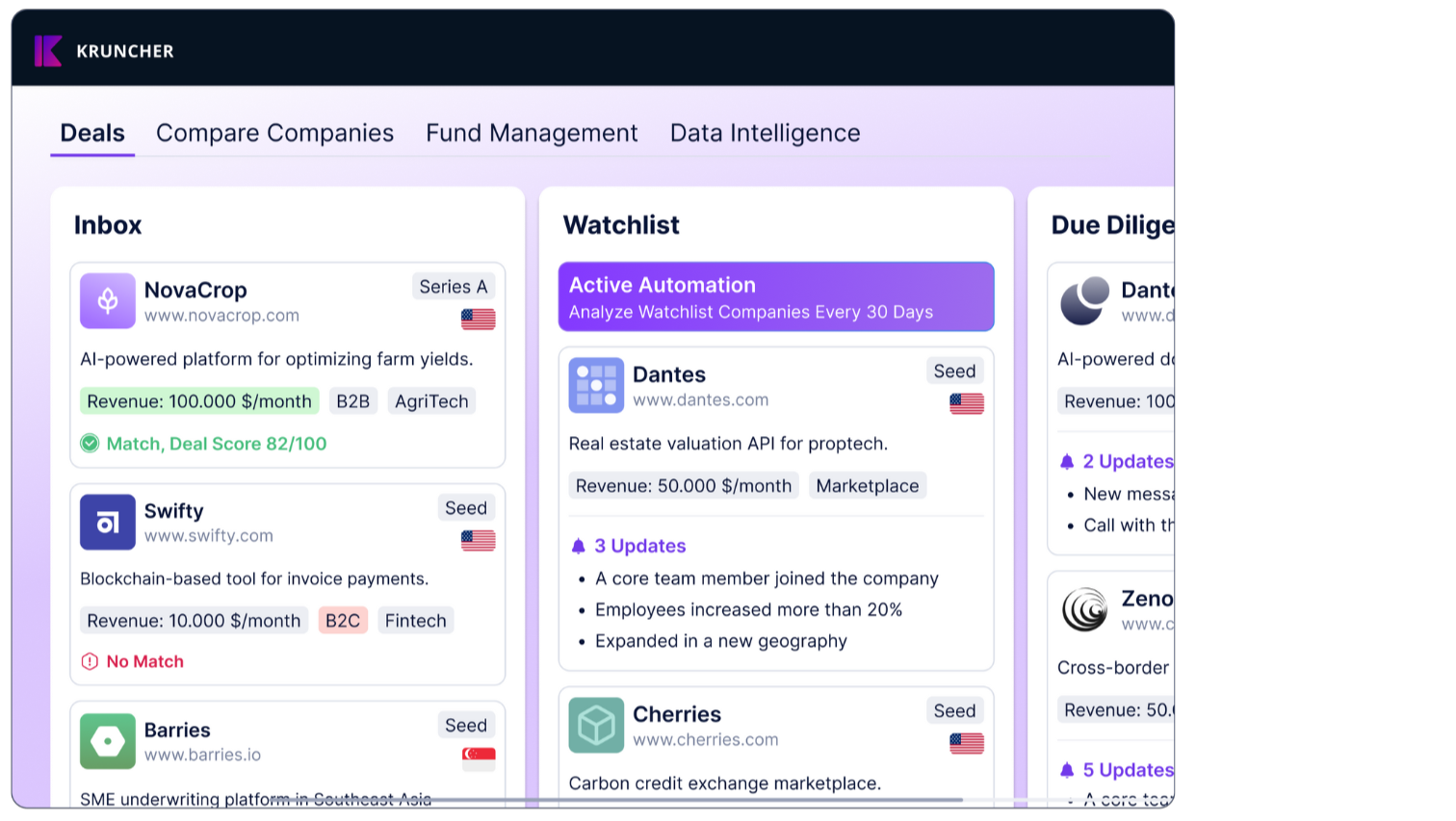

Kruncher is designed to work with your existing workflows, not the other way around. You may minimally interact with Kruncher's main app on browser if you prefer using apps you already interact with on a daily basis.
When you connect Kruncher Bot into your Telegram, you can:
- Add a company into Kruncher via Kruncher Bot in Telegram.
- Update/add data into existing company reports in Kruncher via Kruncher Bot in Telegram
- Receive immediate/daily updates about specific companies
- Receive daily/weekly portfolio-wide general updates
- Chat with your data that's inside Kruncher
This guide will cover how to get Kruncher Bot into your Telegram.
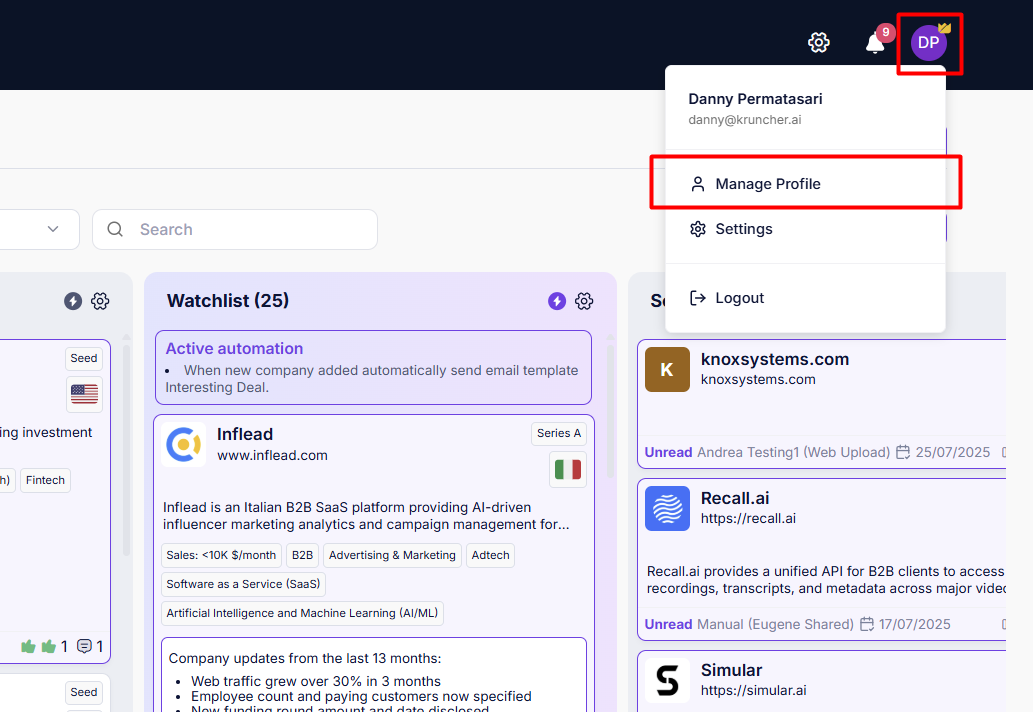
Click on your profile picture at the top, and select Manage Profile.
You will see all the toggles for the different messaging apps (Telegram/Slack/WhatsApp), as well as specifics about the notifications themselves.
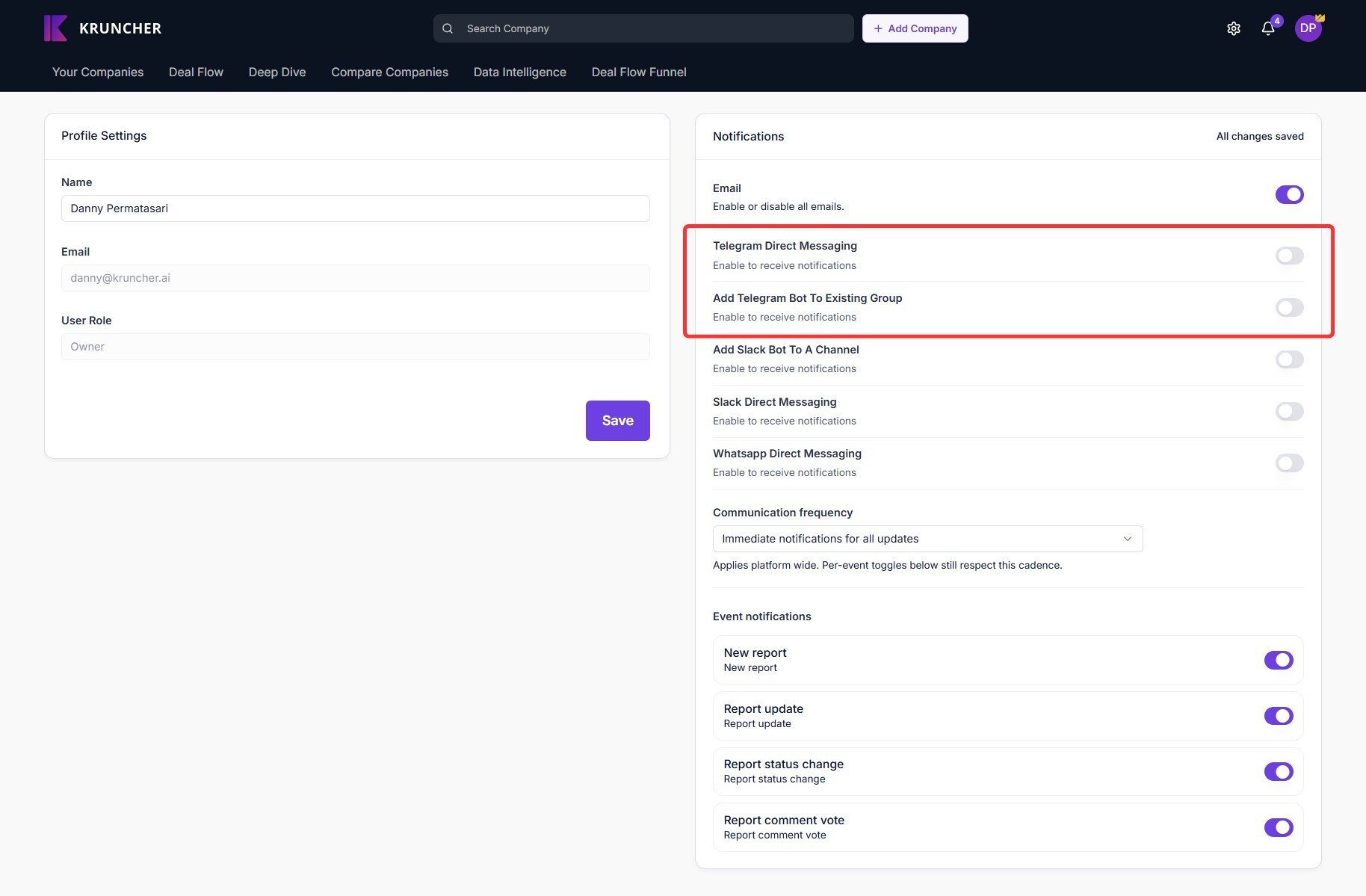
There are two options to add Kruncher Bot into your Telegram:
- Telegram Direct Messaging: Adds Kruncher Bot as a individual contact you can directly message.
- Add Telegram Bot to Existing Group: Adds Kruncher Bot into a group you're an owner of in Telegram.
IMPORTANT: Kruncher has no way of authorizing people in external applications such as Telegram. When you invite Kruncher Bot into a Telegram group, everyone in that group will also get notifications and updates sent by Kruncher Bot, even if they are not part of your Kruncher workspace.
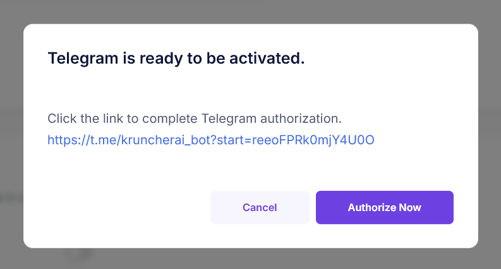
In either case, click on the toggles on the right side. A pop up like this will appear. Click the link or the Authorize Now button to get started.
This will open a new browser tab, asking you to open Telegram.
Continue in your Telegram app.
This is how it'll appear. Click Start at the bottom.
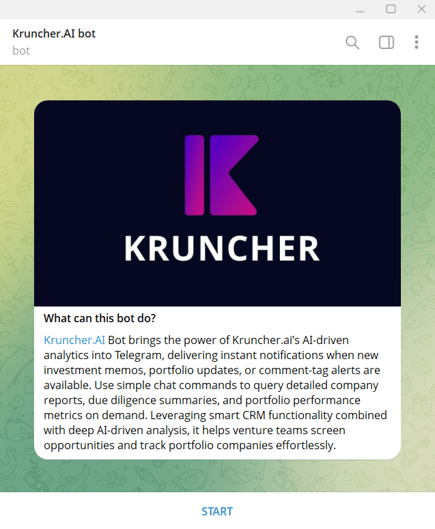
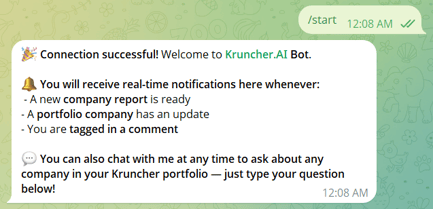
Kruncher is now connected to your Telegram and will send you alerts and notifications there.w
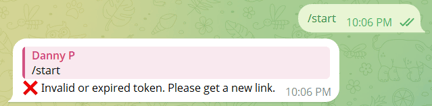
If you get an invalid message, that means the authorization link has expired. Simply go back to Kruncher and click on the toggle again to get a new link and do this process again and it will successfully connect.
You can turn off this feature anytime by clicking on the toggle(s) in the same page. Note that this will not delete away the Kruncher Bot from your chats, but simply deactivate the Bot (it will no longer respond to your queries and send you notifications).
Next, read this guide to learn how to add companies into Kruncher via Telegram, how to customize the notifications you will get, and chat with your Kruncher data via Telegram.